To see the
On-line help indexCALENDAR MENU
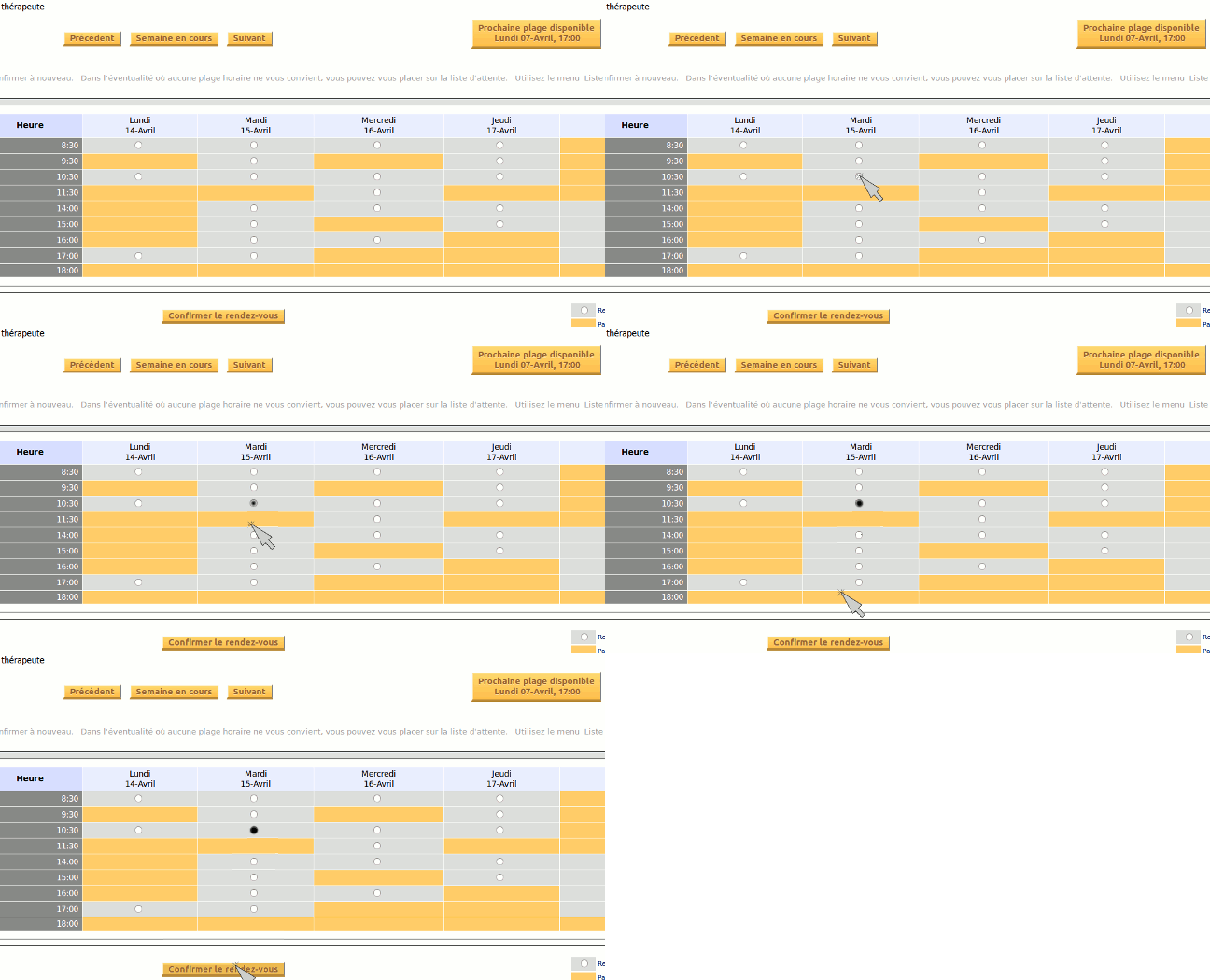
Select a free time slot and press the "
Confirm" button under the calendar.
To navigate from one week to an other, use the buttons "
This week, Next and Previous".
Once you have selected the day and time of your appointment, click on
Confirm Reservation (under the schedule).
A form will appear, allowing you to update your personal information. Modify it if necessary, then click on
Finish Reservation.
The maximum number of future appointments you can take is 8. If you need more, please phone the clinic. Taking an appointment.
OTHER FUNCTIONS
Use
My Profile menu to update your information in the clinic's file. The information is secured and will remain confidential.
To cancel or change an appointment, use the
My Appointments menu.
Should no appointment be available or convenient for you, register yourself on the waiting list. See the
Waiting List menu.
 On-line Help