 On-line HelpOn-line Help
To see the On-line help index
MY APPOINTMENTS MENU
To consult the details of an appointment, select Details on the same line.
To change your appointment, click on Change Appointment.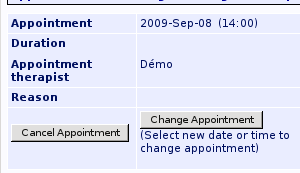
Select the day and time for your new appointment, then click on Confirm Reservation (under the schedule). A form will appear, allowing you to update your personal information. Modify it if necessary, then click on Finish Reservation.
To cancel an appointment, click on Cancel Appointment. You will be asked to confirm the cancellation. Click Yes, I'm sure to confirm.
To see the remaining appointments, use My Appointments.